

When I started my first online store, I thought a nice design and a few good products were enough to bring sales. But after a few months, I noticed something: people were visiting but weren’t buying. That’s when I learned the real key to success in ecommerce optimization. Ecommerce optimization means improving everything on your website: the design, the speed, the user experience, the shopping process, and the content. The goal is to guide your visitors step by step toward making a purchase, not by pushing them, but by making it easy and enjoyable. In this article, I’ll guide you on how to optimize your ecommerce website using simple tips, real examples, and practical steps. No matter if you’ve newly started with ecommerce or have years of experience, these strategies will help you increase your conversion rate, boost customer satisfaction, and grow your sales.
Ready to explore the world of ecommerce optimization?
Let’s get started together!
What is Ecommerce Optimization?
Ecommerce optimization is the process of continuously improving different aspects of an online store to enhance user experience, increase conversion rates, and drive higher sales. In simple terms, it means making changes to your ecommerce website to ensure it works as effectively as possible for both your customers and your business.
َAs an example, think about the way people do online shopping. If it’s difficult for a customer to navigate through a website or encounter issues during the checkout process, they might leave without completing the purchase. Ecommerce optimization solves these problems by improving the overall experience for shoppers.
Essential aspects of Ecommerce Optimization
One of the most important aspects of optimization is website design. A clear, easy-to-navigate design will help customers to find what they’re looking for quickly. Plus, product pages need to be clean, detailed, and well-organized to ensure customers have all the information required to make a purchase decision. Adding high-quality product images, customer reviews, and descriptions with details as an example will help make a big difference in a buyer’s decision-making process.
Another key area of ecommerce optimization is the process of checkout. A long, complicated checkout process can never lead to payment page. Streamlining the checkout process (for example, offering guest checkout or reducing the number of steps to complete a purchase) will make it easier for customers to complete their transactions. From personal experience, making the checkout process simpler led to a significant increase in my store’s conversion rate.
Search Engine Optimization
Search Engine Optimization (SEO) also plays a massive role in ecommerce optimization. Applying the SEO process includes optimizing your website’s content and structure, resulting in rankings higher on search engines similar to Google. Higher rankings mean more visibility, which leads to more organic traffic and, ultimately, more potential customers. Using keywords related to your products in blog articles, creating content of high value, and making sure your website is technically proper will definitely help your store appear higher in search results.
Moreover, using tools like heatmaps or analytics software will add valuable insights into how users are interacting with your site. Easily, it will be possible to check where users have clicked the most, spend the most time, and tend to leave.
This data lets you detect areas for improvement and make decisions to enhance the customer journey.
To sum up, ecommerce optimization includes improving customer service, offering personalized recommendations, and using email marketing campaigns to keep customers engaged. To keep in mind, as an example, offering live chat support can quickly solve problems and help customers feel more confident in their purchase.
Overall, ecommerce optimization is about refining all parts of the online store to ensure a seamless, enjoyable shopping experience. Any single change builds a better experience for customers whether it’s improving the design, speeding up the website, or fine-tuning the checkout process. Doing so will result in increased sales, higher customer satisfaction, and long-term business growth.
Top Tips for Ecommerce Optimization
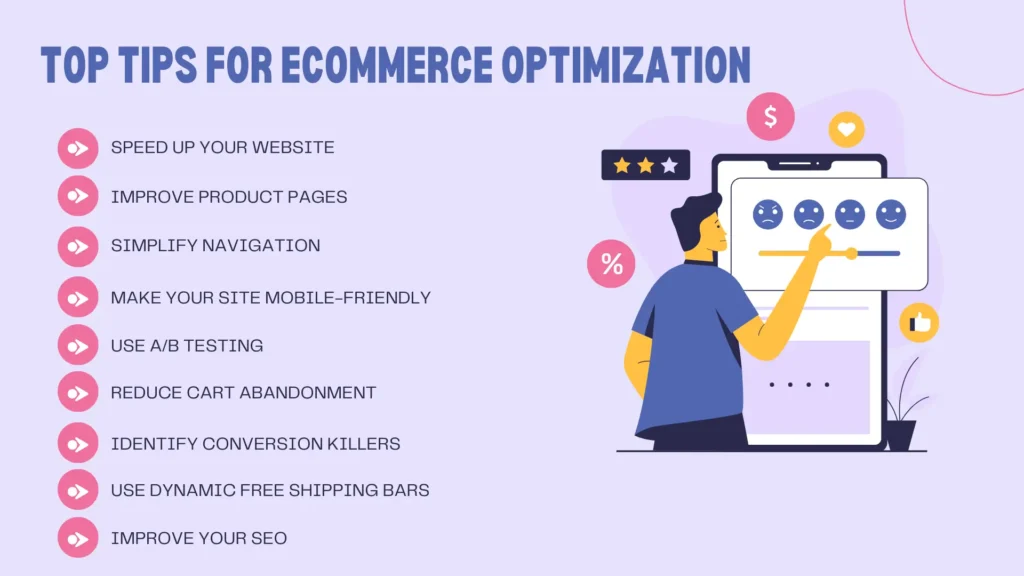
Improving the design or adding more products does not lead to enhancing your ecommerce site, but it’s all about making sure your site runs smoothly, your customers have a great experience, and you maximize your sales. Here are some essential tips to help you optimize your ecommerce business effectively:
1. Speed Up Your Website to Lead to Ecommerce Optimization
A pleasant shopping experience requires indeed a fast website. When your website is slow, visitors often leave before they even see your products. Studies have revealed that people expect websites to load in 3 seconds or less. If your site takes longer than that, you might lose a lot of potential customers.
Why it matters: If your site is slow, your bounce rate increases, meaning visitors leave quickly without taking any action. This can negatively affect conversion rates, meaning fewer people will complete their purchases.
How to fix it: Use tools like Google PageSpeed Insights to check how fast your website loads and find areas for improvement. You can reduce the size of images, minimize heavy scripts, and even use faster hosting services to make your website quicker.
2. Improve Product Pages
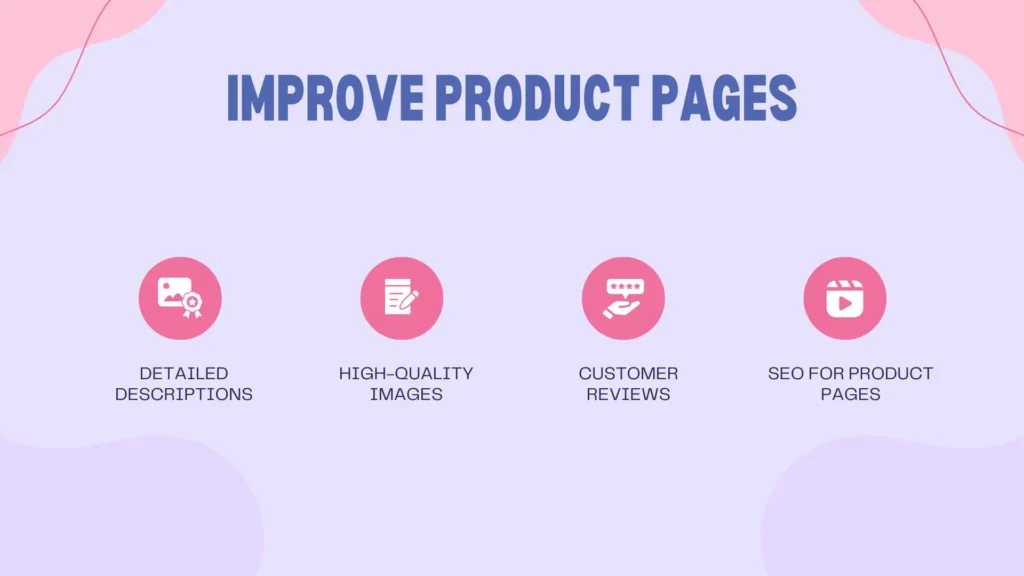
One of the most critical parts of your website is product pages. These pages help customers decide whether or not to buy from you. High-quality product pages should provide enough information to build trust and make the buying process easy.
What to include:
- Detailed descriptions: Explain the product clearly. Include important details like size, color, material, and any benefits the customer will get from using the product.
- High-quality images: Show the product from different angles. If possible, offer a zoom feature so customers can see the product in more detail.
- Customer reviews: Displaying positive reviews from previous buyers can encourage new customers to trust your product and make a purchase.
- SEO for product pages: relevant keywords and key phrases can be used, similar to the ones customers might type into Google when looking for products like yours. This will help your product pages appear in search results, driving more traffic to your site.
3. Simplify Navigation for Ecommerce Optimization
Navigating your website should be easy for all users. Clear and simple navigation means that visitors can find what they’re looking for without frustration. If your website is confusing or cluttered, customers might leave without making a purchase.
How to improve:
- Organize products into categories like “Men’s Clothing,” “Electronics,” or “Home Decor” so customers can find what they want faster.
- Use a search bar to help people quickly locate specific items.
- Make sure the main navigation menu is clear, with only a few essential categories to keep things simple.
Why it’s important: A user-friendly navigation system improves the overall shopping experience and makes it easier for customers to find products they’re interested in. This can lead to more sales and also improve your site’s ranking on search engines.
4. Personalize the Shopping Experience

In most events, smart customers prefer a personalized shopping experience. When a website suggests products based on what they’ve already viewed or purchased, it means that the business understands their needs. Personalized recommendations will help increase the chances of a customer buying a product or service.
How to do it:
- Product recommendations: Use data from a customer’s browsing behavior to suggest similar or complementary products. For example, if they’re viewing a pair of shoes, show them matching socks or accessories.
- Targeted offers: Send personalized offers or discounts to customers based on their shopping history or the items in their cart.
- Email campaigns: Use personalized email campaigns to remind customers about products they viewed or offer discounts on items they left in their cart.
Why it’s important: Personalized experiences make customers feel special and understood, which can lead to higher satisfaction and loyalty. This can ultimately increase the chances of repeat purchases.
5. Make Your Site Mobile-Friendly

More and more people are shopping from their mobile phones, which means you need a website that works well on small screens. If your site isn’t mobile-friendly, you might lose a lot of potential customers.
How to make it mobile-friendly:
- Responsive design: Keep in mind that it’s necessary for your website to adjust to the screen size of the device automatically. This means it should look good on both large desktop screens and small mobile phones.
- Simplify navigation: It’s of high importance to have a simple and clear layout on mobile. Buttons should be large enough for easy tapping, and text should be readable without zooming in.
- Faster loading times: Almost all mobile users are often on the go and might not have the patience for slow-loading pages. Make sure your mobile site loads quickly.
Why it matters: If your site isn’t optimized for mobile, visitors may leave and buy from competitors who have a better mobile experience. Google also ranks mobile-friendly sites much higher in search results, which can bring more traffic to your site.
6. Use A/B Testing in Ecommerce Optimization
A/B testing helps you find out what works best on your site. You can test different versions of a headline, image, page, or button to check which one leads to more clicks or purchases. It’s like experimenting to find the perfect formula for your website.
How to use A/B testing:
- Test things like product page layouts, different colors for “Add to Cart” buttons, or changes to checkout forms.
- Monitor the results to see which version performs better.
Why it’s important: A/B testing helps you make informed decisions rather than guessing what will work. By testing different elements, you can increase your chances of getting more conversions and sales.
7. Reduce Card Abandonment
Most of the customers add items to their card but leave without finishing their purchase. This is called “card abandonment.” To reduce card abandonment, you need to make the checkout process as easy as possible.
How to reduce cart abandonment:
- Simplify the checkout process: Keep the steps short and clear. Avoid asking for unnecessary information.
- Offer multiple payment options: Make sure customers can pay using their preferred method, whether it’s credit cards, PayPal, or mobile payment apps.
- Allow guest checkout: Not everyone wants to create an account to make a purchase. Offer a guest checkout option to make the process quicker.
- Send reminders: If a customer leaves without completing their purchase, send a friendly reminder email or notification offering a discount or free shipping to encourage them to come back.
8. Identify Conversion Killers
There are often hidden issues on your site that can stop customers from buying. These are called “conversion killers.” They might be anything from a confusing checkout process to broken links or unclear product information.
How to identify these issues:
- Get customer feedback: Ask customers what they think about the site or what they struggled with.
- Analyze website data: Look at your analytics to see where visitors are dropping off. For example, if many people are leaving your site on the checkout page, there might be an issue with that page.
Why it matters: Identifying and fixing conversion killers will make the shopping experience better and increase the chances of customers completing their purchases.
9. Use Dynamic Free Shipping Bars
Everyone loves free shipping, and it can encourage customers to buy more. Use dynamic shipping bars to show customers how much more they need to spend to get free shipping. This can motivate them to add more items to their cart.
Why it works: According to surveys, 9 out of 10 customers are motivated to buy when they see that they can get free shipping. By showing them a progress bar, you encourage them to add more items to their cart, increasing your average order value.
10. Improve Your SEO for a Better Ecommerce Optimization
SEO (Search Engine Optimization) helps more people find your site when they search on Google. To increase your visibility, you need to make sure your website and product pages are optimized for the right keywords.
How to improve SEO:
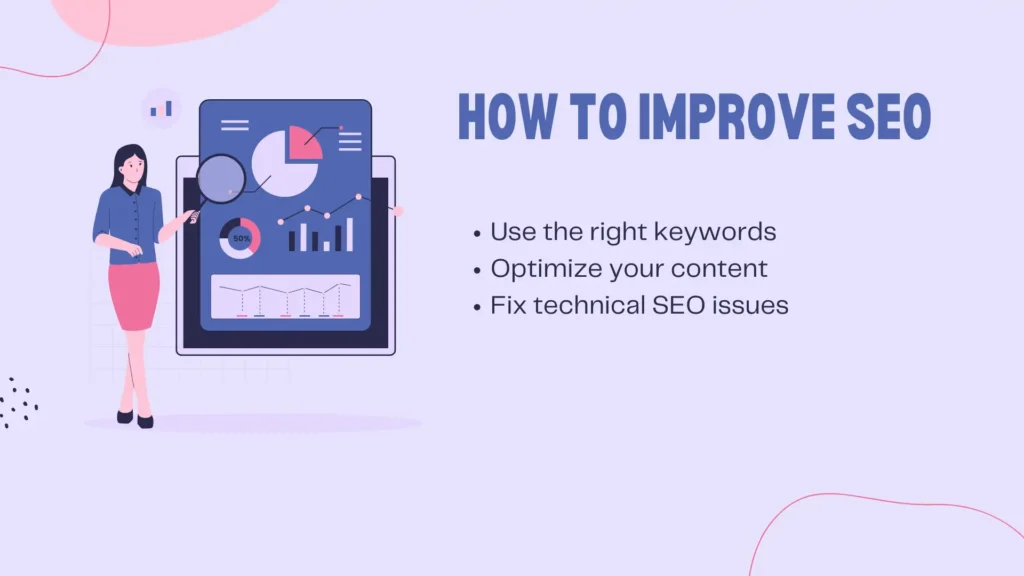
- Use the right keywords: Research and use keywords that customers are searching for. Include these in your product descriptions, titles, and meta tags.
- Optimize your content: Regularly update your website with blog posts or articles related to your products. This can help you rank higher on search engines.
- Fix technical SEO issues: Make sure your site is easy for search engines to crawl and index.
Why it’s important: A well-optimized site will rank higher in search results, meaning more people will find your site and products, which leads to more traffic and potential sales.
By following these tips, you can make your ecommerce store more user-friendly, improve the customer experience, and ultimately increase your sales. Remember, ecommerce optimization is an ongoing process, so always keep testing and improving to stay ahead of the competition.
Conclusion:
Ecommerce optimization is essential for running a successful online store. It involves improving your website’s design, speed, user experience, and the checkout process to make it easier for customers to make a purchase. The goal is to guide visitors step-by-step to the buying stage in a smooth, enjoyable way. Whether you are new to ecommerce or have experience, optimizing your site can increase sales, customer satisfaction, and conversions.
Here are some key tips for ecommerce optimization:
- Speed up your website: A fast-loading site prevents visitors from leaving early and helps improve conversion rates.
- Improve product pages: Clear descriptions, high-quality images, customer reviews, and SEO-friendly content help customers decide to buy.
- Simplify navigation: Organize products, provide a search bar, and keep the navigation menu simple to enhance the shopping experience.
- Personalize the experience: Suggest products based on customer behavior and send personalized offers to increase repeat purchases.
- Make your site mobile-friendly: A responsive, easy-to-navigate site that loads quickly on mobile devices is crucial, as many customers shop on phones.
- Use A/B testing: Experiment with different elements like page layouts or button colors to find what works best for your audience.
- Reduce cart abandonment: Simplify checkout, offer multiple payment options, and send reminders to reduce abandoned purchases.
- Identify conversion killers: Analyze feedback and site data to identify issues that stop customers from completing purchases.
- Use dynamic free shipping bars: Encourage customers to add more items to their cart by showing how much more they need to spend to qualify for free shipping.
- Improve SEO: Optimize your website and product pages with relevant keywords to increase visibility on search engines and attract more traffic.
Ecommerce optimization is an ongoing process, so continue to test, improve, and adapt your website to stay competitive and enhance the customer experience.
FAQ – Ecommerce Optimization
1. What is ecommerce optimization?
Ecommerce optimization means improving your online store to make it easier and more enjoyable for customers to shop. This includes fixing design, speed, product pages, checkout, and more to help increase your sales.
2. Why is website speed so important?
Because slow websites make people leave, visitors often give up before buying anything if your site takes too long to load (more than 3 seconds). A faster site keeps them interested and improves your chances of making a sale.
3. How can I improve my product pages?
Use clear and helpful product descriptions, good-quality images, and include reviews from other customers. Also, use the right keywords so people can find your products on Google.
4. What is cart abandonment, and how can I reduce it?
Cart abandonment happens when a customer adds items to their cart but doesn’t finish the purchase. You can reduce it by offering guest checkout, using simple steps, giving multiple payment options, and sending reminder emails.
5. How does mobile optimization help my store?
Many people shop from their phones. If your website works well on mobile devices (fast loading, easy to navigate, readable), more visitors will stay and buy from you.
6. What is A/B testing?
A/B testing is trying two versions of something (like a button or page layout) to see which one works better. It helps you improve your website based on real results, not just guessing.
7. What are “conversion killers”?
These are hidden problems on your website that stop people from buying. It could be a broken link, a slow page, or a confusing checkout. Use customer feedback and website data to find and fix them.
8. Why is SEO important for ecommerce?
SEO helps people find your website through Google. If your product pages use the right keywords and your site is set up correctly, more people will discover your store, and that means more sales.
9. How often should I optimize my ecommerce site?
Always! Ecommerce optimization is not a one-time task: trends change, technology updates, and customer behavior shift. Keep testing and improving to stay competitive.
10. Can small changes really make a difference?
Yes! Even small improvements like faster loading pages, clearer buttons, or better images can lead to more sales and happier customers.